
Download Extractor Zip Rar Tool PRO – zip rar tool, extract files, archive manager, file compression, file utility
Overview
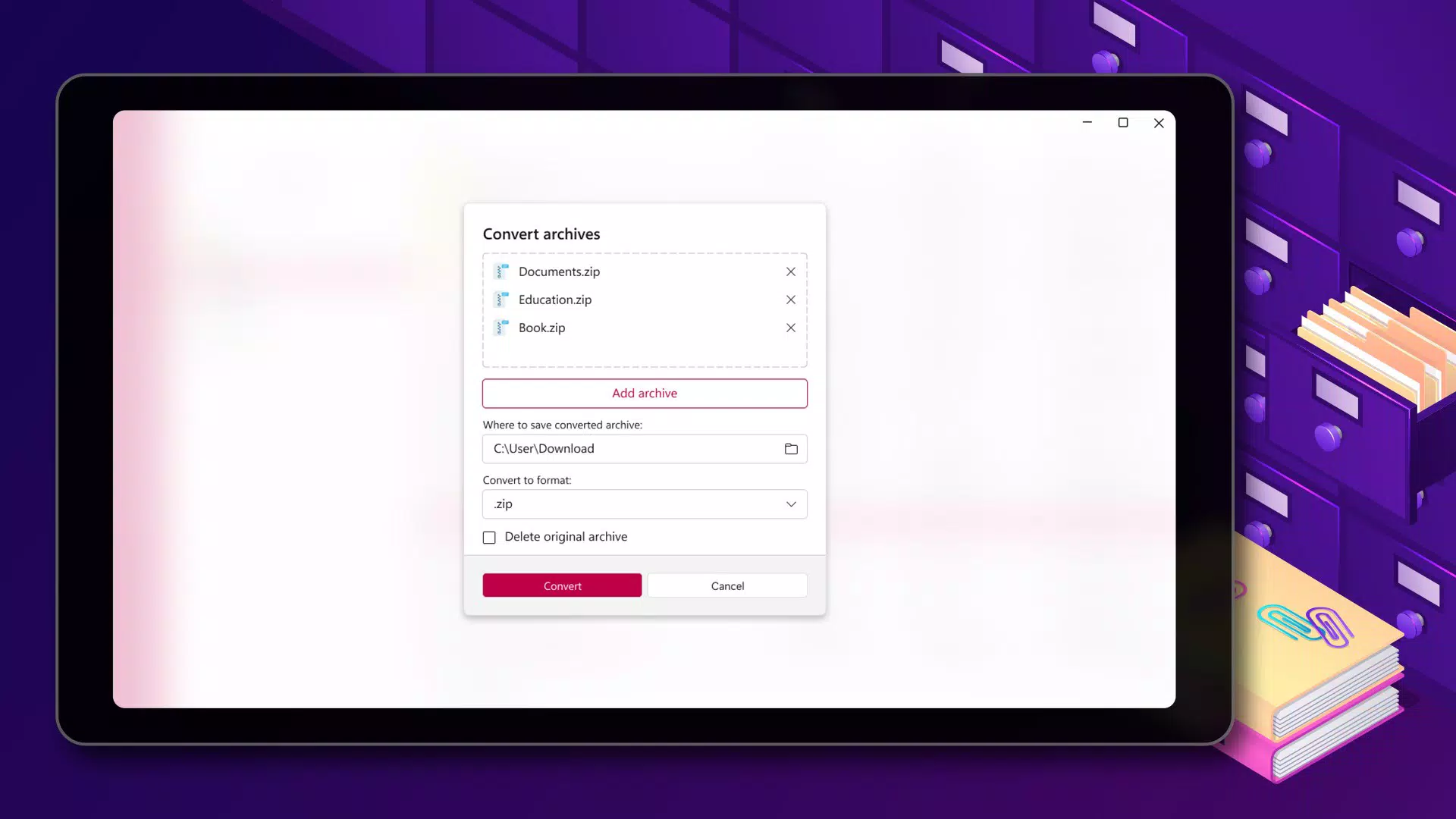
Extractor Zip Rar Tool PRO is a dedicated mobile utility designed to simplify the management of digital archives on Android devices. The app serves as a comprehensive solution for users who frequently encounter ZIP, RAR, 7z, TAR, and GZIP files across personal, academic, or professional workflows. By offering a unified platform for compression, decompression, and selective extraction, it eliminates the need for multiple tools and streamlines file handling tasks. This makes it particularly useful for individuals managing large collections of documents, multimedia files, or software packages that arrive in compressed formats.
The app targets a broad audience, including students organizing research materials, remote workers handling project files, and casual users downloading content from the internet. Its ability to preview archive contents before extraction adds a layer of control and clarity, reducing the risk of unintended file overwrites or clutter. While the developer, Extractor Tools, is not detailed beyond the name, the app’s focus on core functionality suggests a specialized approach to file utility. The release date of December 3, 2024, indicates it is a recent addition to the Android productivity ecosystem, aligning with the growing demand for efficient mobile file management tools.
Key Features & Functionality
- Extensive Format Compatibility: Supports ZIP, RAR, 7z, TAR, and GZIP formats, enabling users to open and extract files from nearly any archive type encountered in daily use.
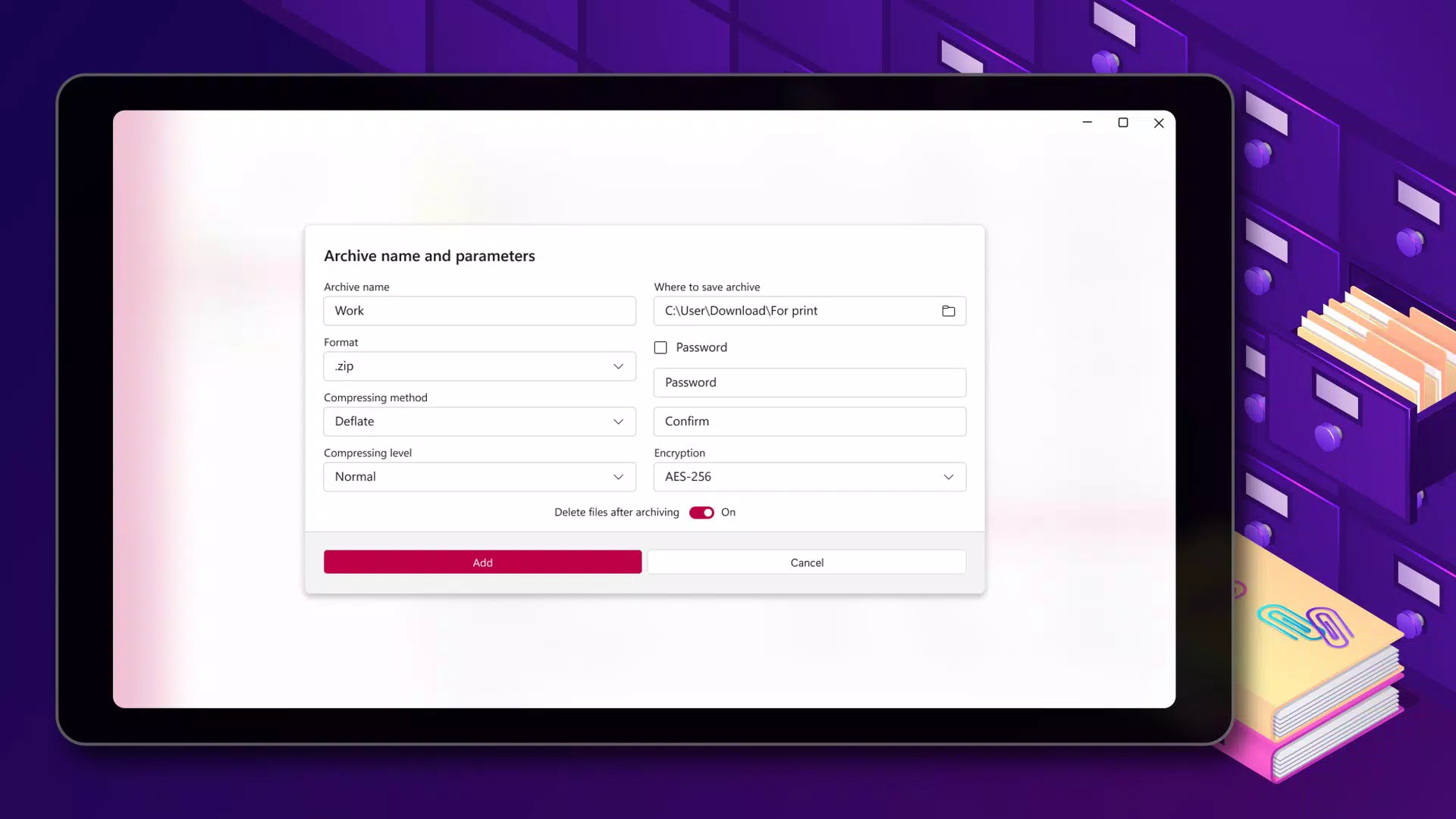
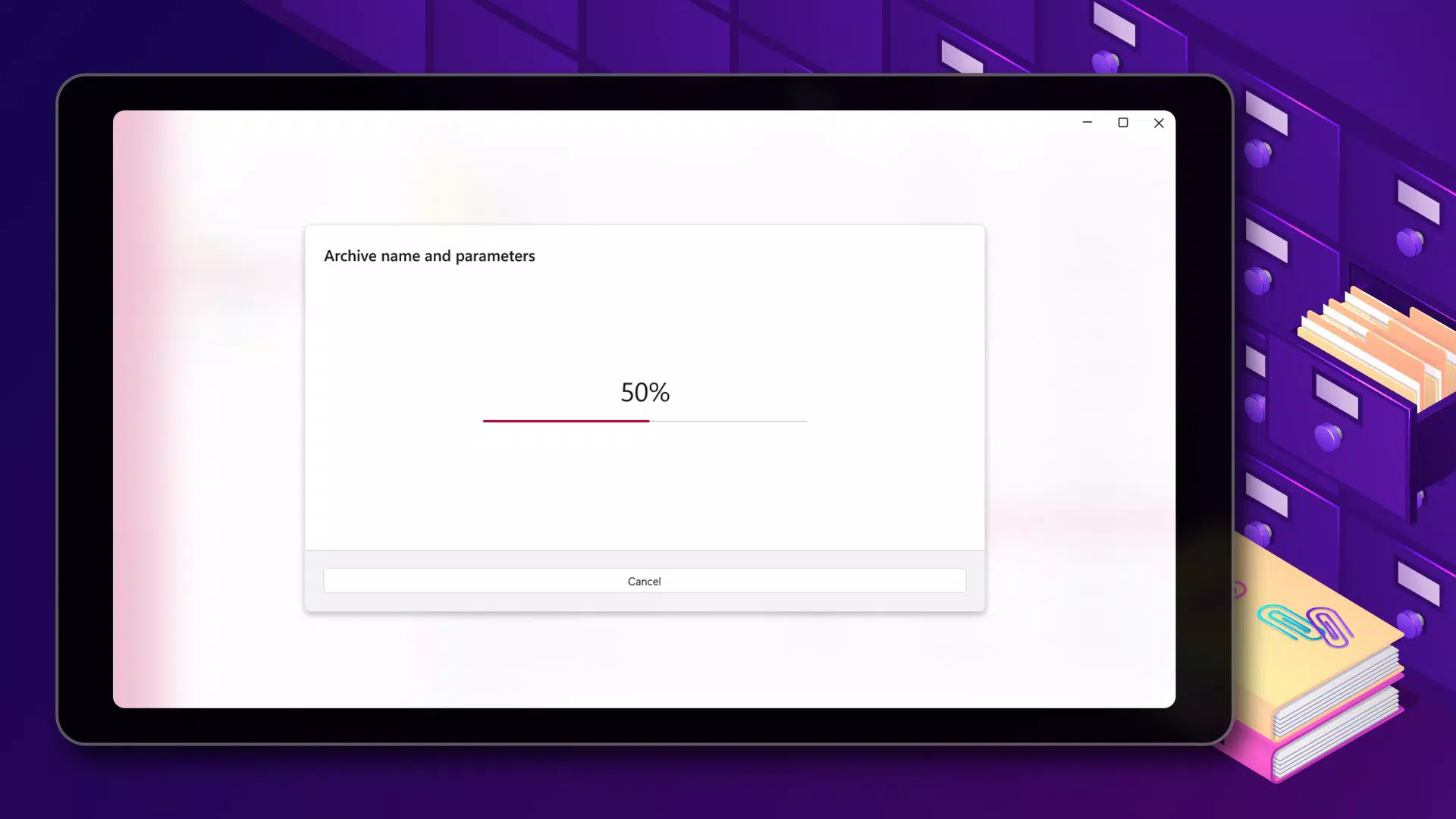
- Fast Compression: Optimized for speed, allowing users to compress files quickly to save storage space or prepare them for sharing via email, messaging apps, or cloud services.
- Selective Extraction: Users can extract only specific files from an archive without unpacking the entire package, saving time and device storage.
- Secure Access: Enables decryption of password-protected archives with a simple input field, ensuring secure access to sensitive or private data.
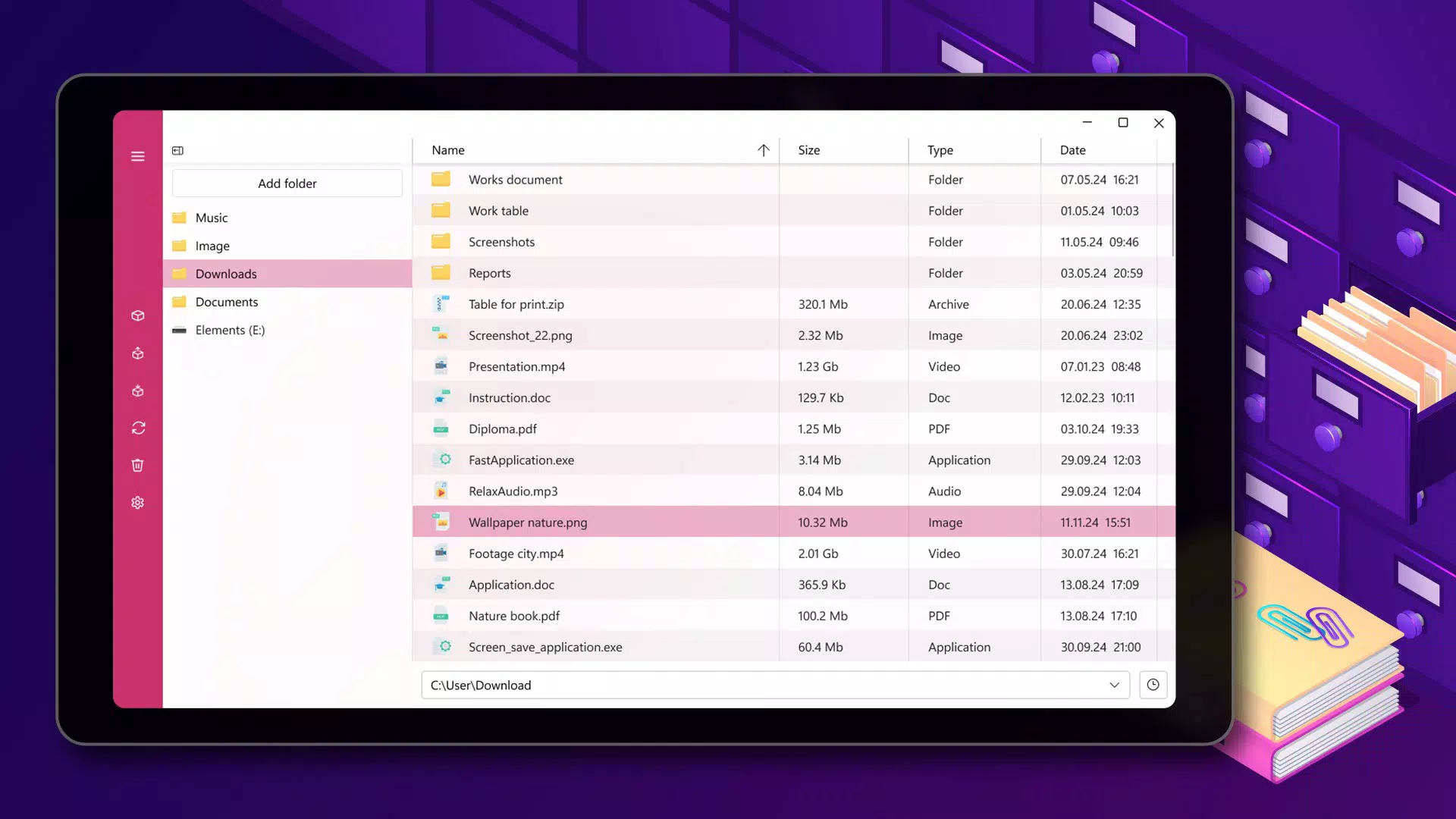
- Content Preview: Offers a real-time view of archive contents before extraction, helping users verify file integrity and avoid unnecessary processing.
For example, a user downloading a project bundle in RAR format can preview its structure, extract only the required documents, and compress the final deliverables into a secure ZIP file—all within a single interface. Similarly, a student receiving a compressed folder of lecture slides can verify the contents without extracting the entire archive, reducing battery and storage usage.
Interface, UX & Performance
The app features a clean, intuitive interface designed for ease of navigation on mobile screens. The layout prioritizes essential functions—such as file selection, extraction, and compression—within easily accessible menus. Visual cues, like icons for different archive types and a preview pane, enhance usability for users of varying technical skill levels. Navigation is linear and predictable, minimizing the risk of accidental actions.
Although the developer did not list formal performance metrics, the app’s description emphasizes fast processing, suggesting optimization for modern Android devices. It is expected to perform efficiently on mid-to-high-end smartphones, with responsive interactions and minimal lag during file operations. Stability appears to be a focus, as the app avoids unnecessary background processes. However, specific performance data across device categories, such as older models or low-RAM devices, was not disclosed.
Platform Compatibility & Technical Requirements
Extractor Zip Rar Tool PRO is available exclusively on the Android platform. The app is compatible with Android devices running the version specified in the release details. The file size is 18.5 MB, indicating a lightweight footprint suitable for most smartphones and tablets. The developer did not specify minimum OS requirements or hardware specifications, so users should ensure their device meets general Android compatibility standards. No additional permissions or system-level access were mentioned in the provided data.
Pros and Cons
Pros
- Supports multiple archive formats, including ZIP, RAR, 7z, TAR, and GZIP.
- Fast compression and extraction speeds for improved workflow efficiency.
- Intuitive interface suitable for both beginners and advanced users.
- Secure password protection for encrypted archives.
- Content preview feature reduces unnecessary file processing.
Cons
- Compatibility with older Android versions was not specified.
- Developer did not provide detailed system requirements.
- No information on cloud integration or backup features.
- App size, while small, may still be large for devices with limited storage.
- Performance on low-end devices was not tested or reported.
FAQ
Is Extractor Zip Rar Tool PRO safe to download and use?
The app is available as a free download on Android. As with any third-party utility, users should ensure they download it from official sources to avoid potential security risks.
Can I extract files from password-protected archives?
Yes, the app allows users to enter a password to unlock and extract files from encrypted archives.
Does the app support batch processing of files?
While the app supports multiple file operations, specific details on batch processing were not provided in the available information.
Is the app available on iOS?
Currently, the app is only available for Android devices. No iOS version was mentioned in the release details.
How often is the app updated?
The app was released on December 3, 2024. No information on update frequency was provided by the developer.
Final Thoughts
Extractor Zip Rar Tool PRO stands out as a reliable, lightweight solution for managing compressed files on Android. Its support for multiple archive formats, fast performance, and user-friendly design make it a valuable addition to any mobile productivity toolkit. Whether you're a student, professional, or casual user, the ability to extract, compress, and preview files with confidence enhances your daily digital workflow. The app’s focus on core functionality without unnecessary bloat ensures a smooth experience.
For users seeking a secure, efficient way to handle ZIP and RAR files on their smartphones, this tool delivers strong value. With a free price point and a compact size, it offers excellent accessibility. Download Extractor Zip Rar Tool PRO now to streamline your file management tasks and boost your productivity on the go.


